Video
BLE caberQU
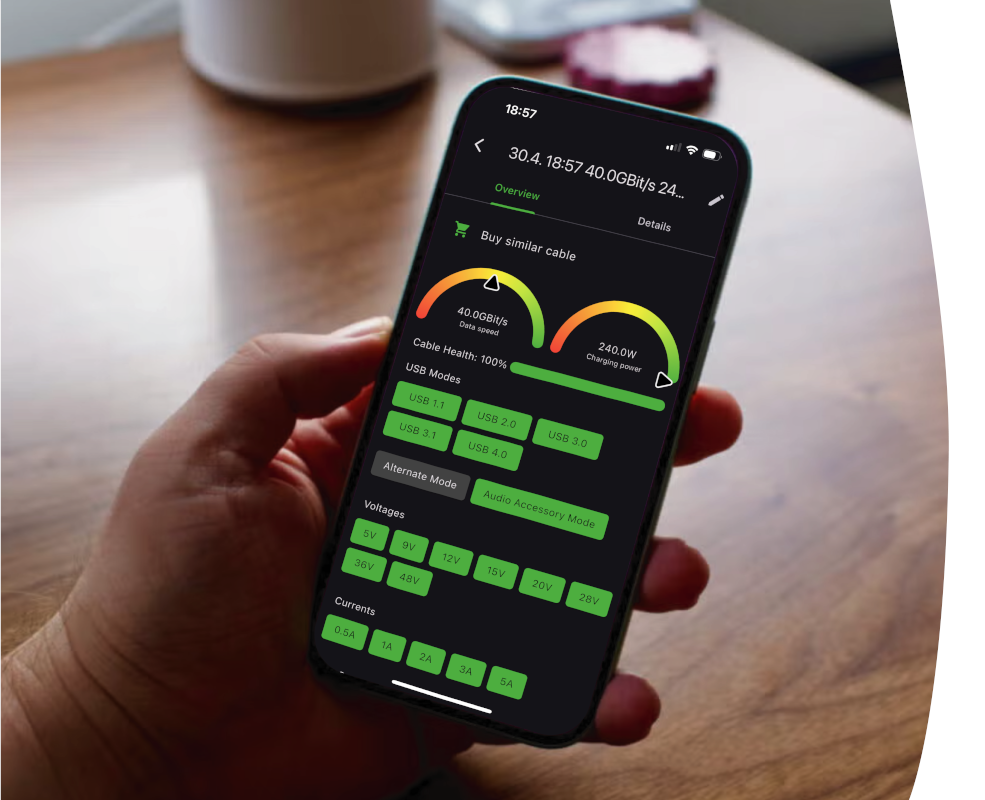
The BLE cable tester by caberQU can test USB-C to USB-C cables for functionality, charging power, data speed, cable health and many more. It is the next step in the evolution of testing cables.
If you work with USB-C devices and want to keep them healthy by keeping your cables healthy, you might want to invest in the BLE caberQU cable tester.

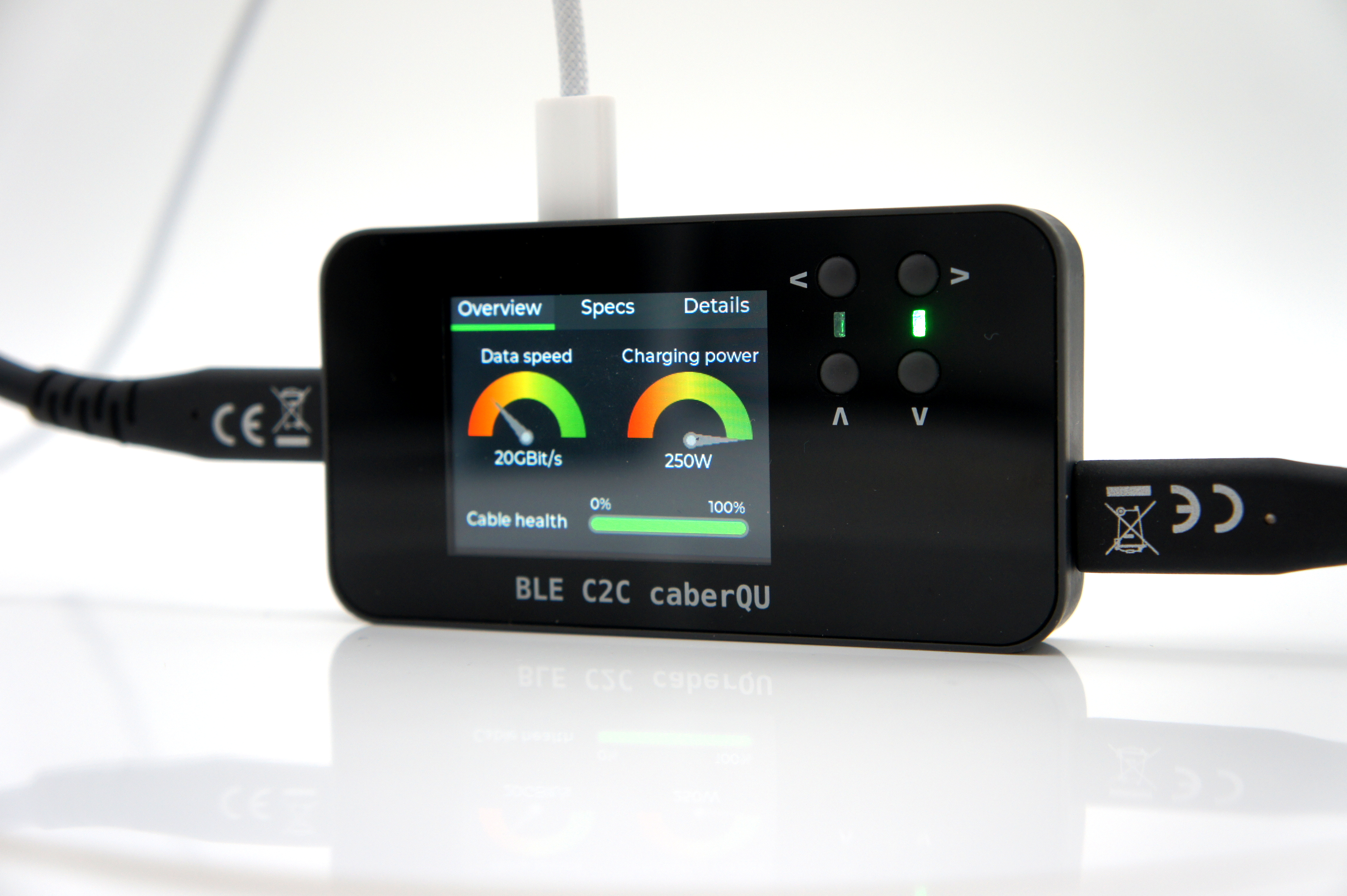
The BLE cable tester by caberQU can test USB-C to USB-C cables for functionality, charging power, data speed, cable health and many more. It is the next step in the evolution of testing cables.
If you work with USB-C devices and want to keep them healthy by keeping your cables healthy, you might want to invest in the BLE caberQU cable tester.
Why do you need it?
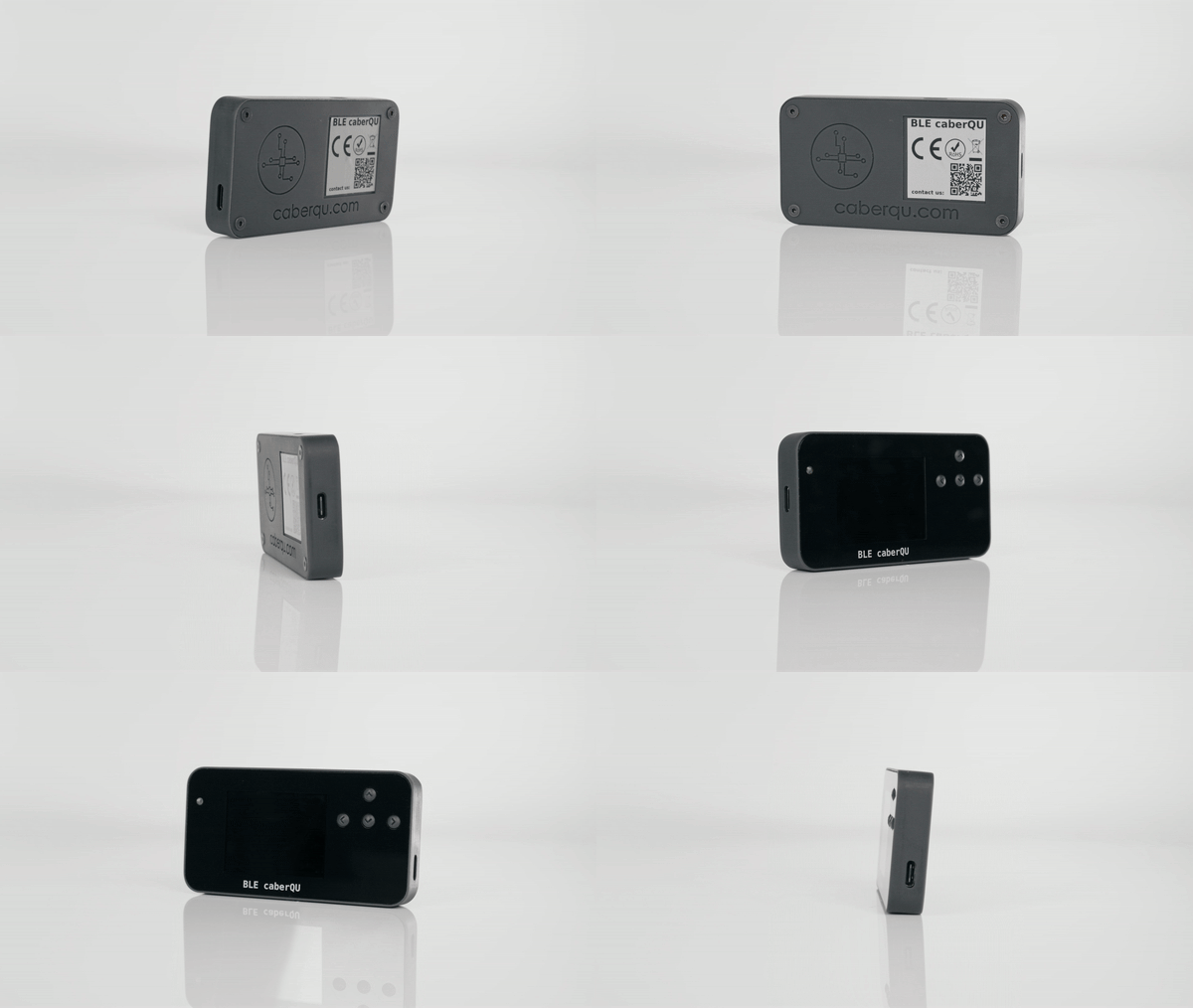
Did you know that broken cables can harm your phone? And did you know that a lot of cables get damaged over time? But how can you know if your cable is broken? Get the BLE cable tester and test your USB-C to USB-C cables!

The BLE caberQU cable tester is super handy, quick and easy to read. Its digital display gives you the most important information on a glance: three dials show the maximum data transmission speed, the maximum power and the exact percentage of your cable health.
How to use it

Plug it in with any USB-C cable. The screen will light up and show you how to plug in the cable you want to test. Now you can view data speed, charging speed and cable health all on just one glance.
With a few clicks on the buttons you can quickly navigate this device and display all its functions.
What does it show?
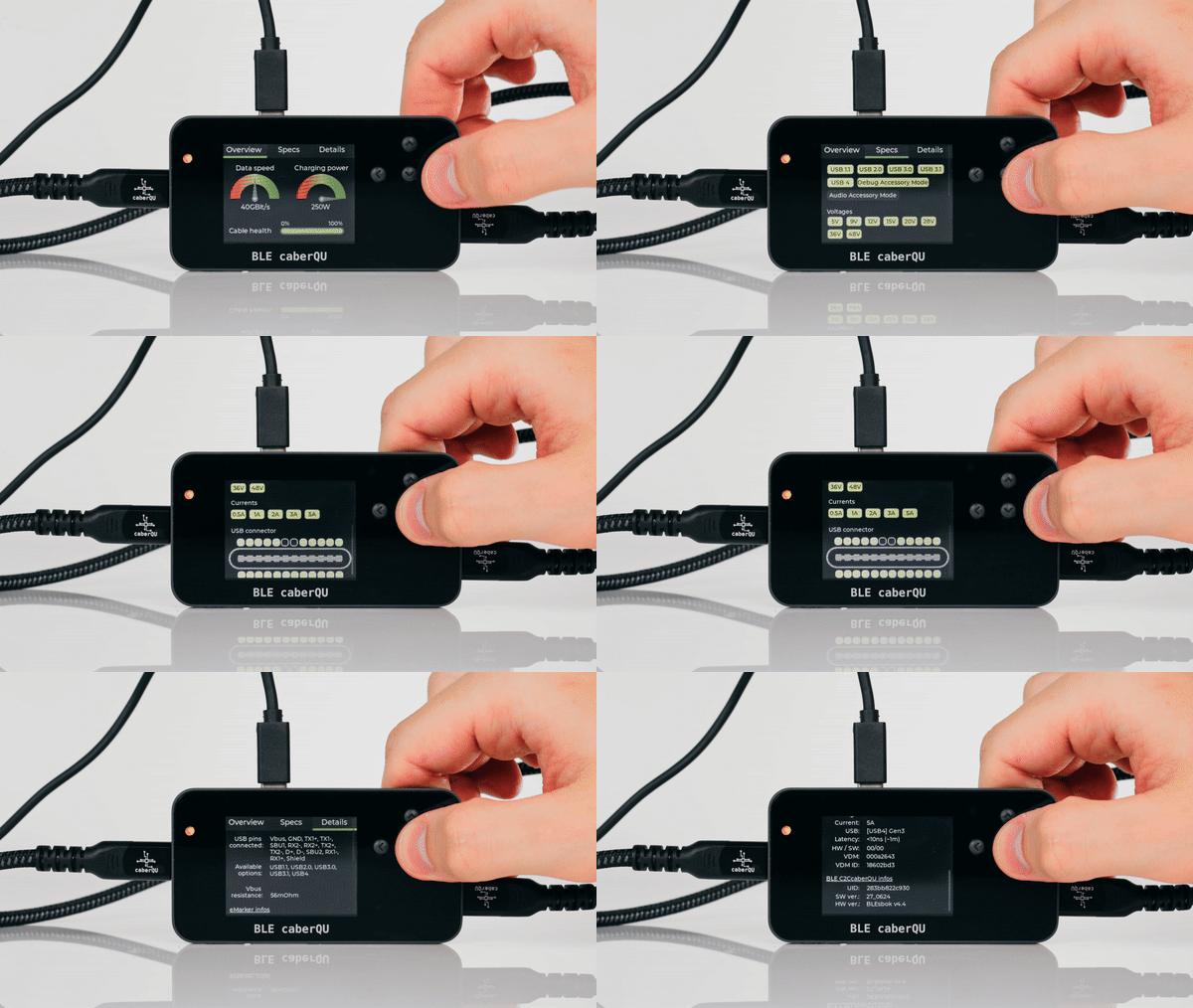
Screen 1 shows you an overview of your cable. Three dials show the maximum data transmission speed, the maximum power and the overall cable health.
Screen 2 goes into specifications. To be able to know if a certain use-case is supported, this column lists all cable features. USB1.1 to USB4, voltages from 5V to 48V and currents 0.5A to 5A as well as the complete connector pinout.
On screen 3 you can view the details. It shows raw information: each connected pin, the Vbus resistance and eMarker infos as well as the BLE caberQU hardware and software versions.
USB-A Adapter
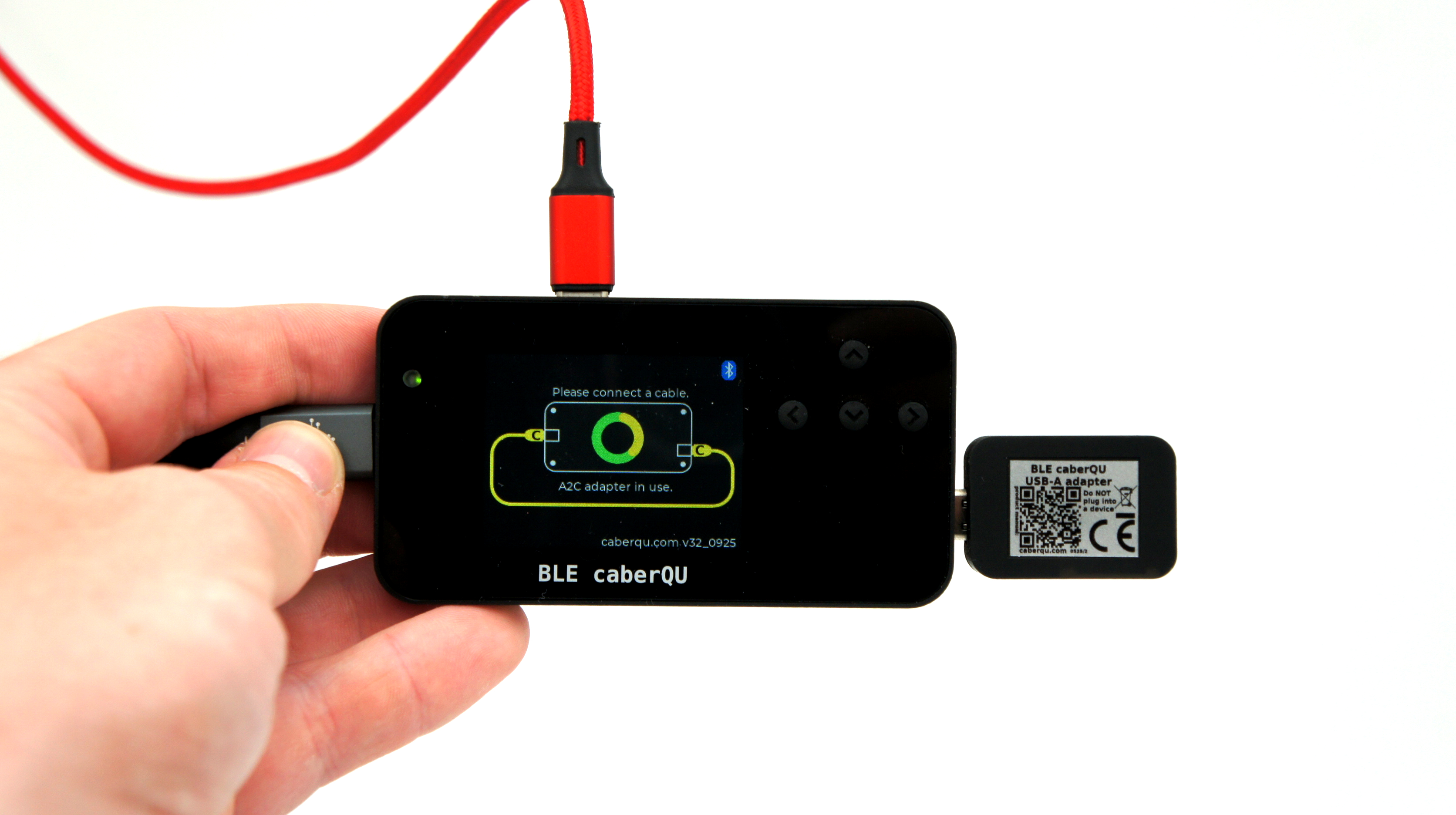
The USB-A adapter for BLE caberQU is an official add-on to support USB-A to USB-C cables measurements. It features active electronics to interface. The adapter is automatically detected by the BLE caberQU and measurements and results are displayed accordingly.
Features:
- Automatically detected by BLE caberQU
- Quickstart guide included
- Advanced measurements
- Updated app results
- Clear USB-A connector readout
Buy USB-A adapter here
The optional cable is a USB 3.2 Gen 2×2 dual cable USB-A and USB-C 1.5m and can be separately ordered here.
X-Ray: a free firmware update
X-Ray makes BLE caberQU read much more of what your cable's chip reports. Update the firmware and the app once, and you get:
- USB modes, now including USB4v2
- Power delivery, from below 15 W up to PD 3.0 above 60 W and PD 3.1 EPR
- Extended eMarker data: EPR, latency, termination, plus up to four additional SVIDs
- Active cable recognition: SBU type, VBUS path, PHY connection, active element, USB support and generation, lanes, asymmetric operation, hub hops and isolation
- Thunderbolt: tells Thunderbolt 3/4 apart from Thunderbolt 5, with TBT alt mode, generation, retimer, LSRx, medium, TBT B-mode, speed and TBT SVID
- DisplayPort: signal support, USB r2.0, DFP/UFP pins and DP SVID
- Certificate check (beta): checks a cable against a growing database in the app
X-Ray needs a one-time firmware and app update. Values are shown when the cable reports them. For example, the chip manufacturer appears only for cables that report it, and the certificate check currently recognizes only a limited number of cables. More details are in the changelog linked above.
For more information visit: https://ble.caberqu.com/xray
Firmware
There are regular firmware updates in order for the BLE caberQU to always be up to date with the newest USB protocol and standard changes. The firmware changelog is available here.